Today
Choose today’s Top 3 from everything on your mind.
In Today, plan your Top 3 and Daily Routine. Use Focus for a selected task or a free focus session, with a duration that suits you.
 YEEVORMIdeas take form
FOCARI · 1.0
Focus Timer & Voice Notes
Plan what matters on iPhone and work through one focused session at a time. Capture ideas as text or audio, or record a thought on Apple Watch and organize it later on your phone.
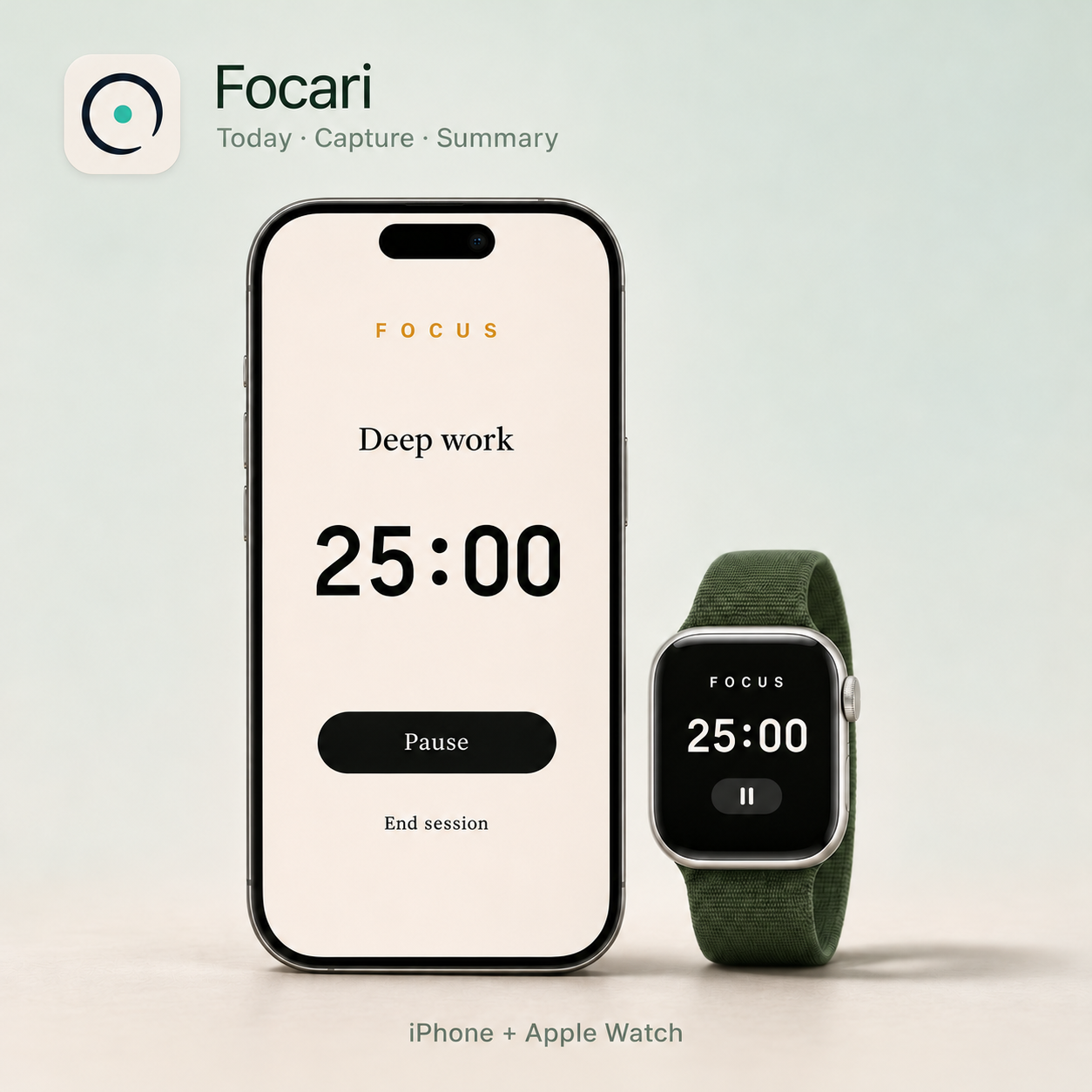
The first release is for iPhone and its companion Apple Watch.
Minimum OS: iOS 26.5 · watchOS 26.0
The website is available in English and Chinese; the app interface is currently in English.
Recording transcription and text translation run on compatible iPhones. Availability depends on Apple, the device and language models. Initial model downloads may require an internet connection.
WHO IT IS FOR
Focari is for people balancing busy workdays, a steady stream of ideas and a growing to-do list, who want to take charge of their time.
Choose today’s Top 3 and use a focused session to make progress on the task at hand. When a new idea appears, capture it as text or audio and organize it later. At the end of the day, look back on your focus history.
Less distraction. Less second-guessing. Less time deciding what to do next.
WHY FOCARI
A good focus tool should reduce the decisions it asks you to make. With Focari, we want to make the next step clearer and give what you have chosen to work on the sustained attention it needs to take shape.
Focus should also leave room to rest, explore and reconsider your choices.
Read the essay: Focus and choice (in Chinese)Today
In Today, plan your Top 3 and Daily Routine. Use Focus for a selected task or a free focus session, with a duration that suits you.
Capture
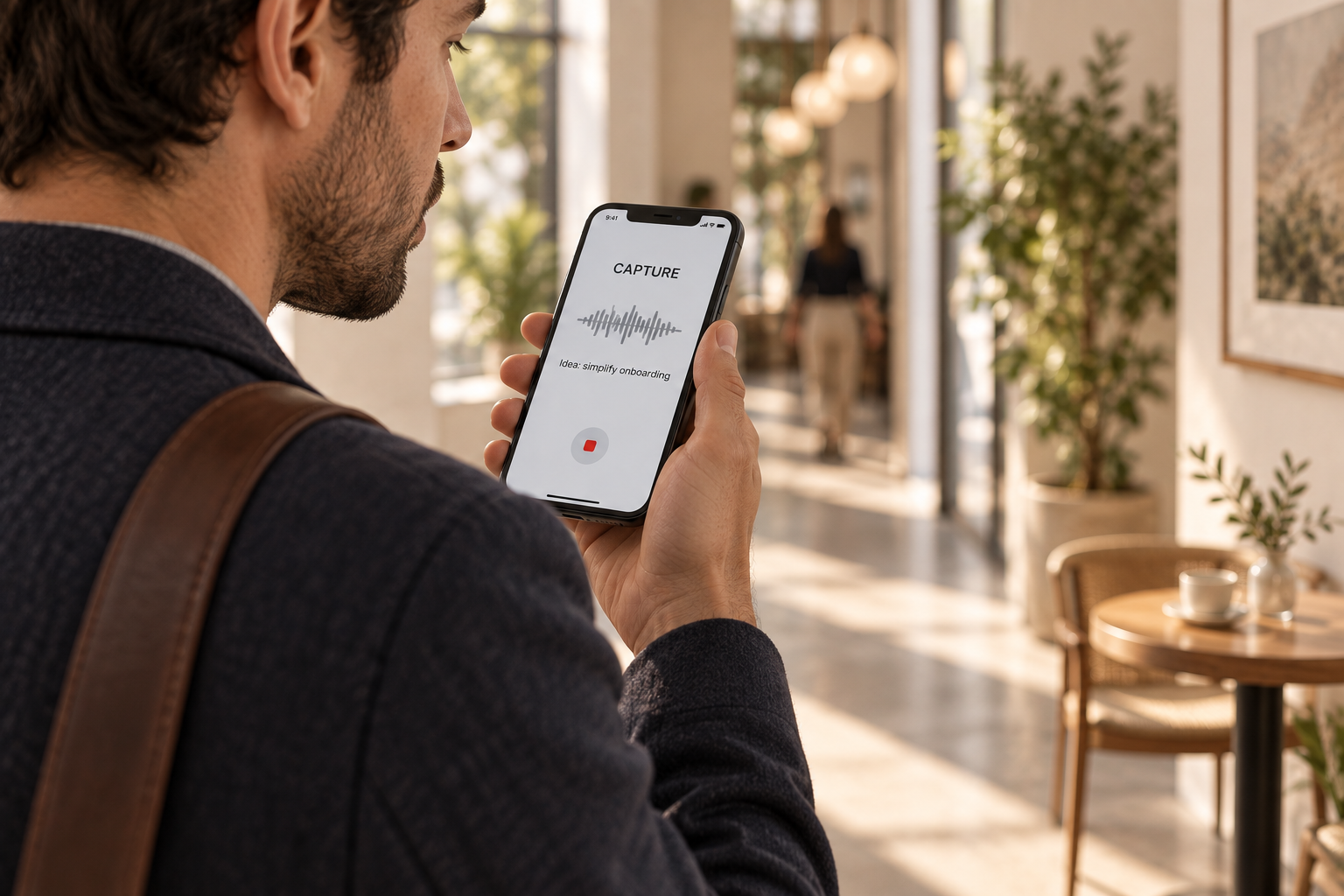
Save ideas as text or recordings. On a compatible iPhone, select the spoken language, turn audio into editable text and save translations separately.
Apple Watch
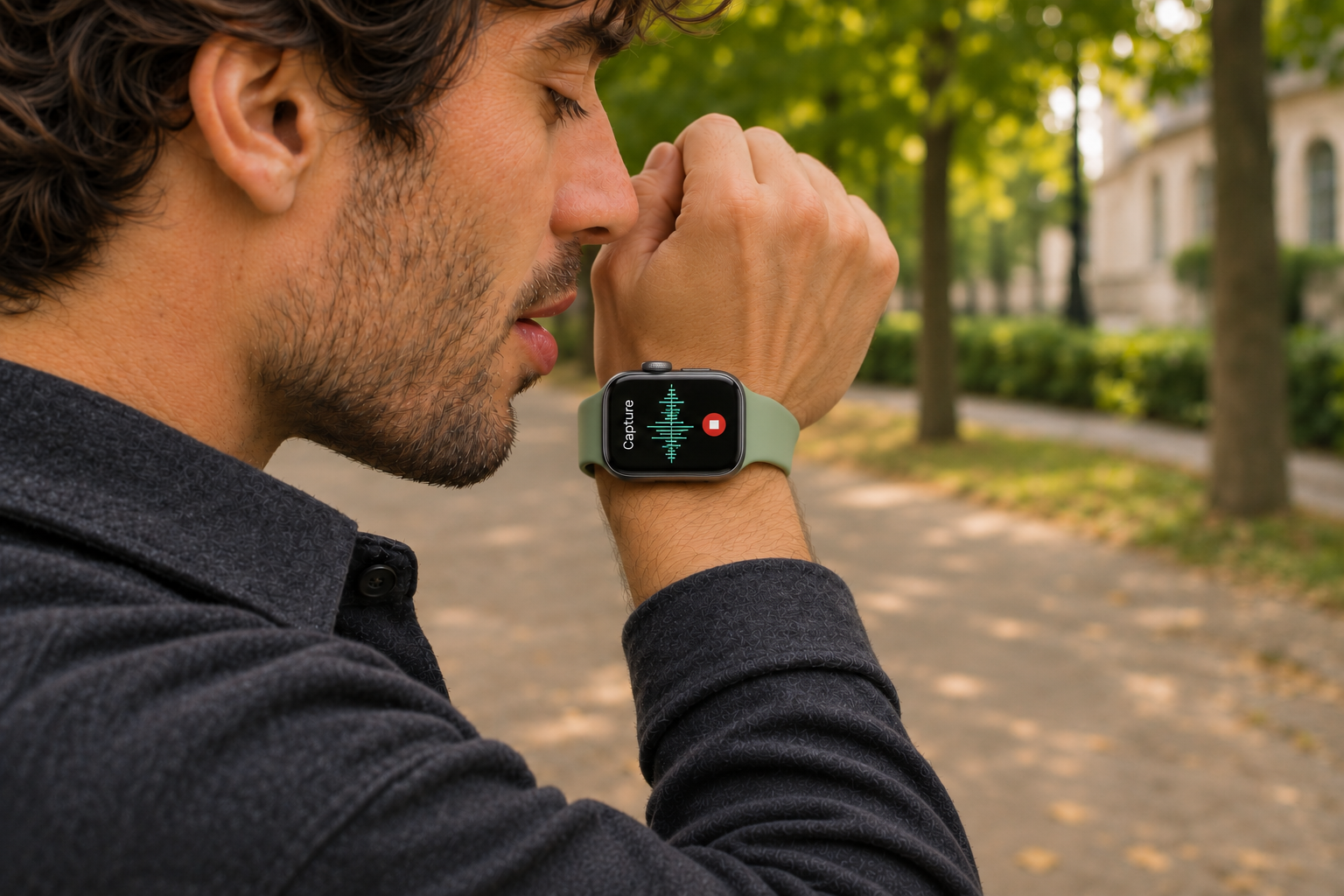
Start, pause or resume focus on Apple Watch, or record an idea. Recordings can wait for a connection before transferring to the paired iPhone.
Summary
Review your focus history in Summary.
CAPTURE THE MOMENT
An idea does not have to wait until you are back at your desk. On a walk, during a break or before the next task, capture the thought now and organize it later.
APPLE WATCH
Record an idea on Apple Watch. The recording queues for transfer to your paired iPhone, ready to organize when you have time.
IPHONE
Use text or audio, whichever suits the moment. On a compatible iPhone, turn recordings into editable text and save translations separately.
ON YOUR DEVICES
Content is stored in the app on your devices. Initial language-model downloads may require internet access. Transcription, translation and transfers depend on your device, system, models and connectivity.